Kenn Belnas.

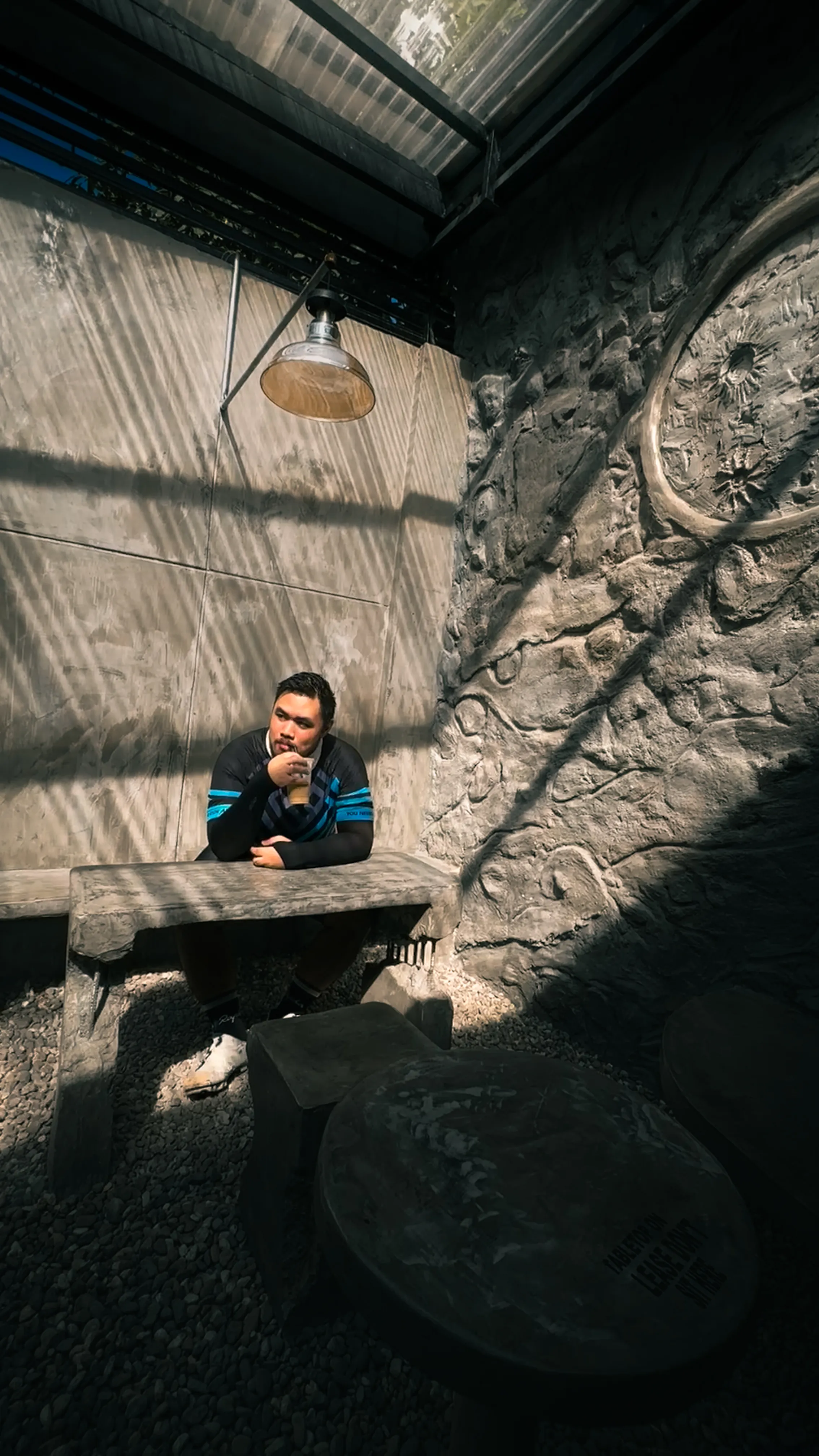
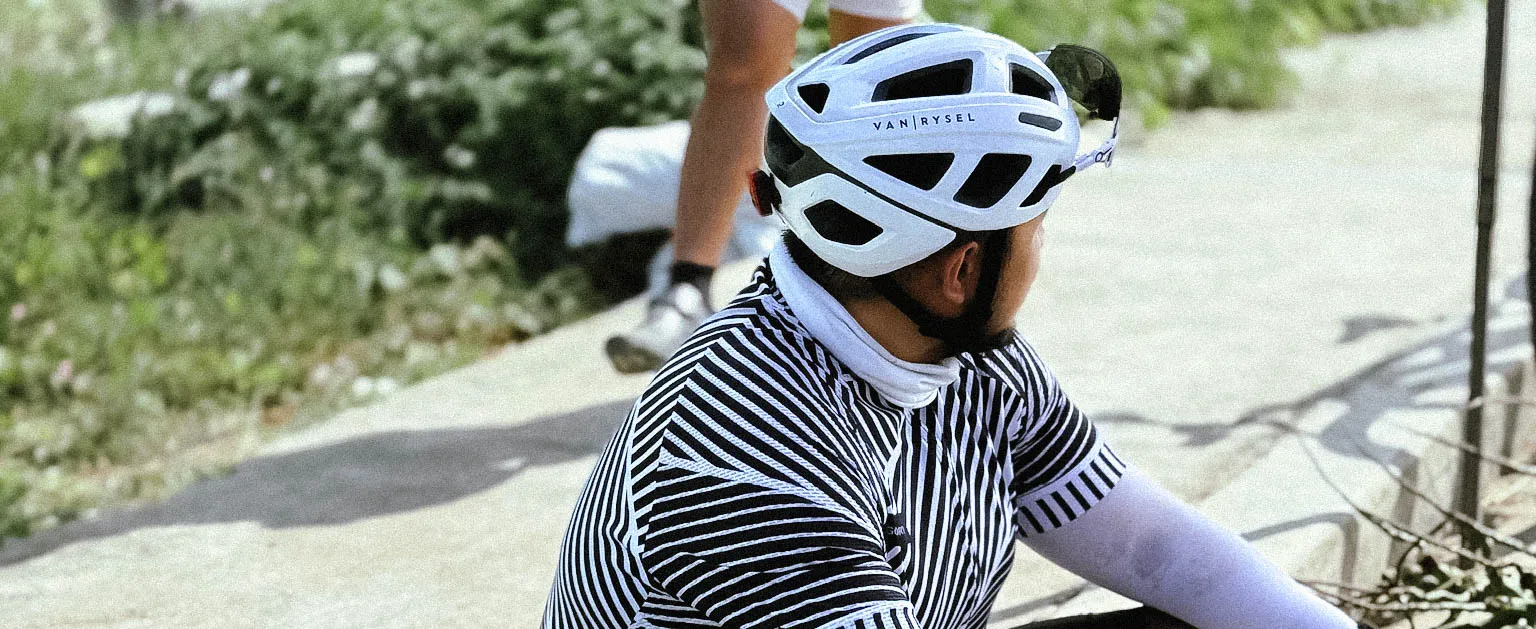
Portrait of Kenn Belnas

Virtual Assistant • Executive Support • Workflow Automation

I bring a software and operations background to support work—organizing information, improving workflows, and automating the repetitive parts.

Credibility Snapshot

2022—2025

Software development · Operations reporting · Coordination
Testing · Process support

Workflow improvement · Process documentation · Operational support

SHIPPED + ACTIVE

Shipped Custom Software · Live Personal Automation in Daily Use

Task/project tracker + personal command center built in Notion

TECHNICAL + SUPPORT READY

Workflow optimization · Automation · Tracking/reporting · Documentation

Excel / VBA · Apps Script · Java · Python · C2 English

Organize the work. Improve the workflow. Automate what shouldn’t stay manual.

Featured Work

03 / Professional Experience

Professional Experience

The work behind
the workflow.

My work spans administrative operations and software development: careful record handling, clear communication and practical technical work.

Administrative operations

Operations &
Coordination

In an administrative operations assignment, I managed required submissions, checked documentation and communicated outstanding items across teams.

  • Records & reportingChecked records for missing or incorrect information; built and maintained Excel/VBA reports for management.
  • Coordination & follow-throughCoordinated corrections and follow-ups, consolidated status information and kept teams informed of outstanding items.

Software development –

Software &
Systems

Across separate software-development assignments, I developed and maintained Java applications, tested changes and troubleshot existing software.

  • Application changes & testingInterpreted technical specifications, changed source code and used JUnit to test application behavior.
  • Maintenance & troubleshootingInvestigated application issues, reviewed changes and worked on VBA/VBScript tooling in established development environments.

04 / Capabilities

Capabilities & tools

Practical tools. Clear thinking. The follow-through to make both useful.

Tools, applied capabilities and transferable strengths.

  • Google Workspace
  • Microsoft 365
  • Excel / VBA
  • Notion
  • Java
  • VBScript
  • Python
  • Google Apps Script
  • JUnit
  • Playwright
  • PySide6
  • Photoshop
  • Lightroom
  • DaVinci Resolve
  • Administrative support
  • Management reporting
  • Data management & validation
  • Project / task tracking
  • Cross-functional coordination
  • Calendar & scheduling fundamentals
  • Process documentation
  • Software development & testing
  • Workflow design
  • Workflow automation
  • AI-assisted workflows
  • Prompt design & context management
  • Problem solving
  • Coordination
  • Adaptability
  • Follow-through
  • Technical troubleshooting
  • Clear communication

Professional practice

  • Excel/VBA — reporting, data processing & workflow automation
  • Data validation & cross-team coordination
  • Java development, maintenance & testing

Learning & hands-on exploration

  • AI prompting, context management & tool setup
  • Make / Zapier — no-code automation exploration
  • STR workflow study — Hostaway, Breezeway & Conduit familiarity

Certifications

  • MakeFoundation · Basic
  • ZapierBuilding Basic Zaps · Building Intermediate Zaps
  • Microsoft Certified:Azure Fundamentals
  • EF SET English CertificateC2 Proficient

05 / Currently Building

Currently building

A working translation tool, shaped by a very specific viewing problem.

Reading beyond
the language barrier.

Korean videos. Hardcoded captions. No human-made English subtitles. Autocaptions that miss the point. That was the starting problem.

I’m building a Windows screen-OCR translator. PaddleOCR reads Korean captions from a selected area, and a locally running AI language model translates them into English displayed in a fixed subtitle overlay.

The next challenge is removing the need to select a reading area by hand. I want the app to find dialogue captions wherever they appear while I watch, without mistaking signs or product labels for subtitles.

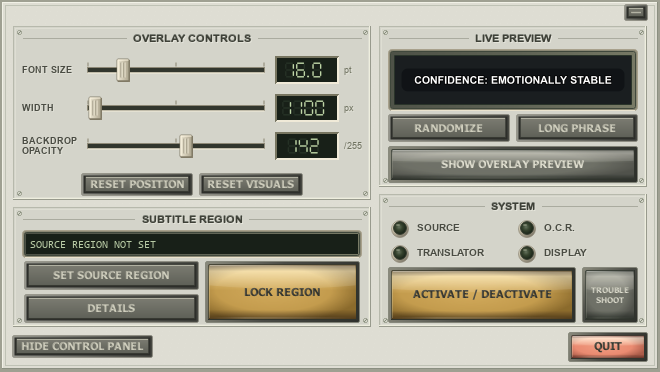
Archived staged Qt application controls for subtitle size, width, backdrop opacity and source region, with built-in preview text.
The application’s shared controls. Archived, staged Qt capture with built-in preview text.

The challenge: not every word is a subtitle.

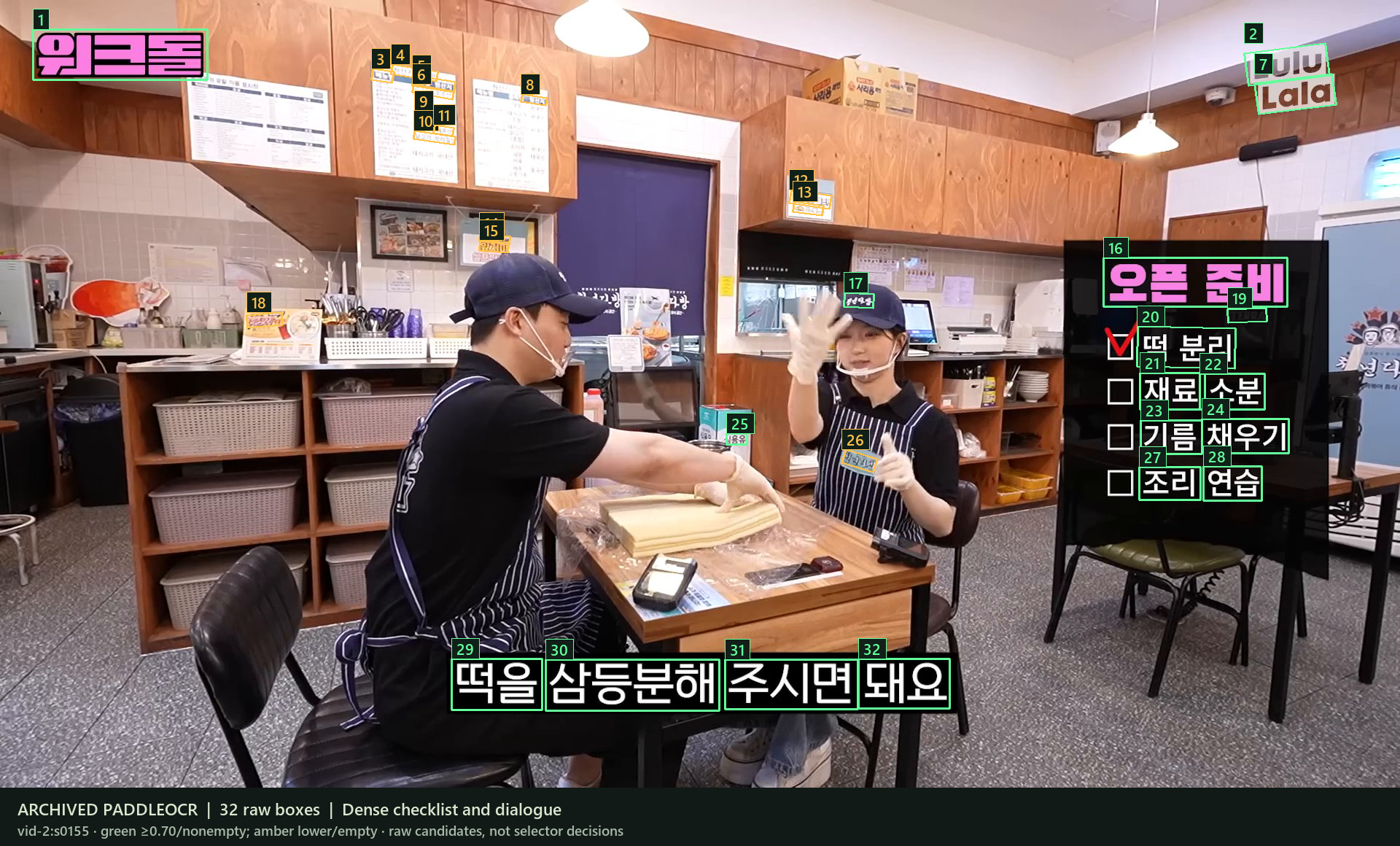
The screen contains more than dialogue. The challenge is recognizing which text belongs to the conversation and which can be ignored.

01 / PaddleOCR detections
Archived PaddleOCR boxes around a Korean restaurant checklist, scene text and dialogue captions.
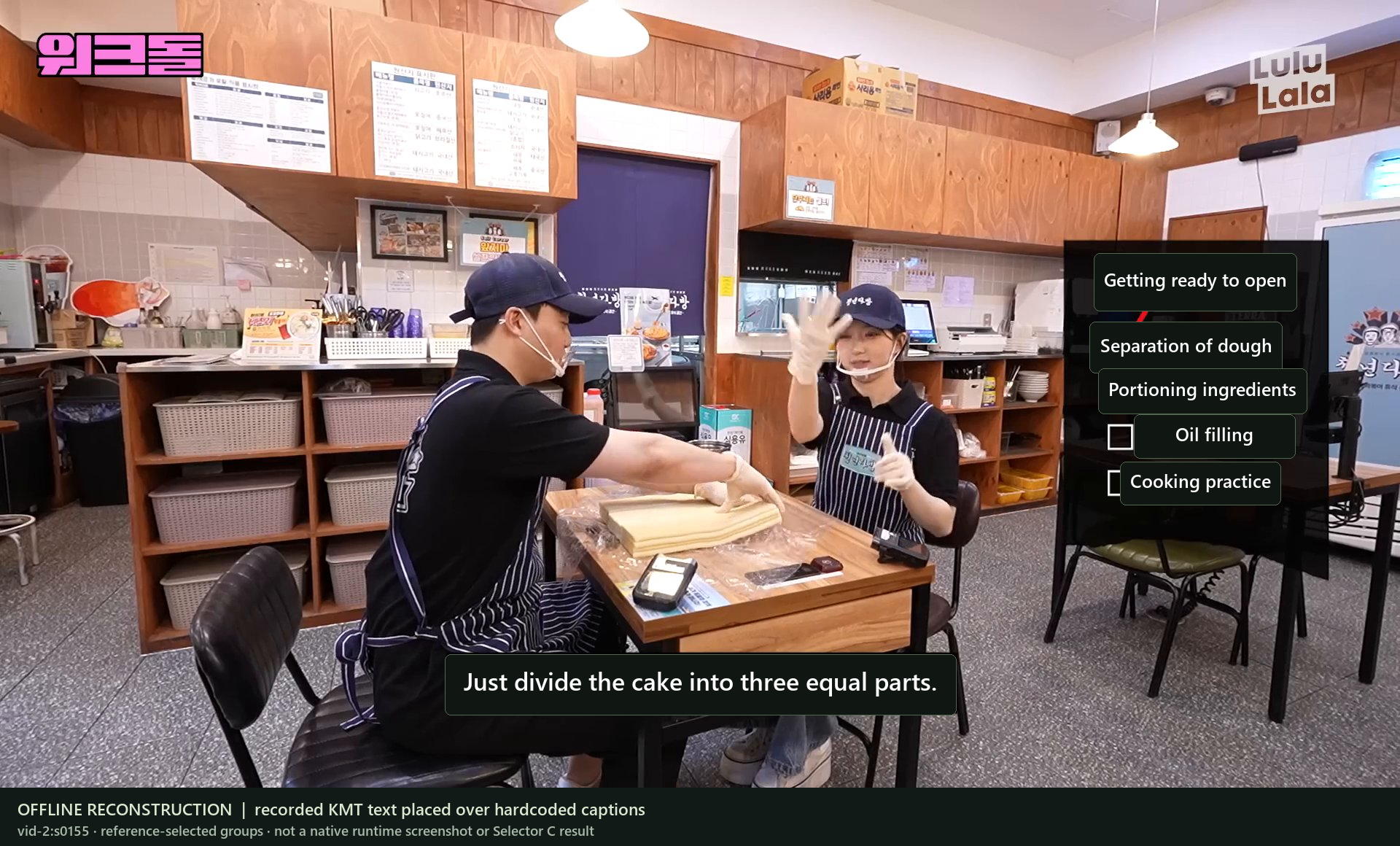
02 / Offline English placement study
Offline study with recorded English translations manually positioned over checklist items and the bottom dialogue caption.

Working today

Today, the Windows app reads Korean captions from a selected screen region, translates them through a local AI model and shows English in a fixed subtitle overlay. The operator controls and component-health checks are functional.

What I’m improving

Next is finding dialogue captions automatically across the video. I’d also like to add Japanese support and, later, recognition of spoken dialogue so the app can work with videos that have no captions on screen.

06 / Creative Work

Creative work

Same scene. A different feeling.
I use color and contrast to bring out the light that made me stop and take the photograph.

Original and graded photo comparison

Drag the divider inside the photograph, or use arrow keys. Home shows the original. End shows the full grade.

Drag the divider or use arrow keys.

07 / About

Hey! I’m Kenn.

I’m lazy. Efficient.

I’m based in the Philippines, with a background in software development and administrative operations. I’m bringing that mix to virtual-assistant and executive-support opportunities: clear information, reliable follow-through and practical systems.

The joke is really about avoidable friction. I’d rather build a useful tool than repeat the same awkward task. I like the moment a system becomes ordinary: the reminder arrives, the record is easy to find, the next step is clear.

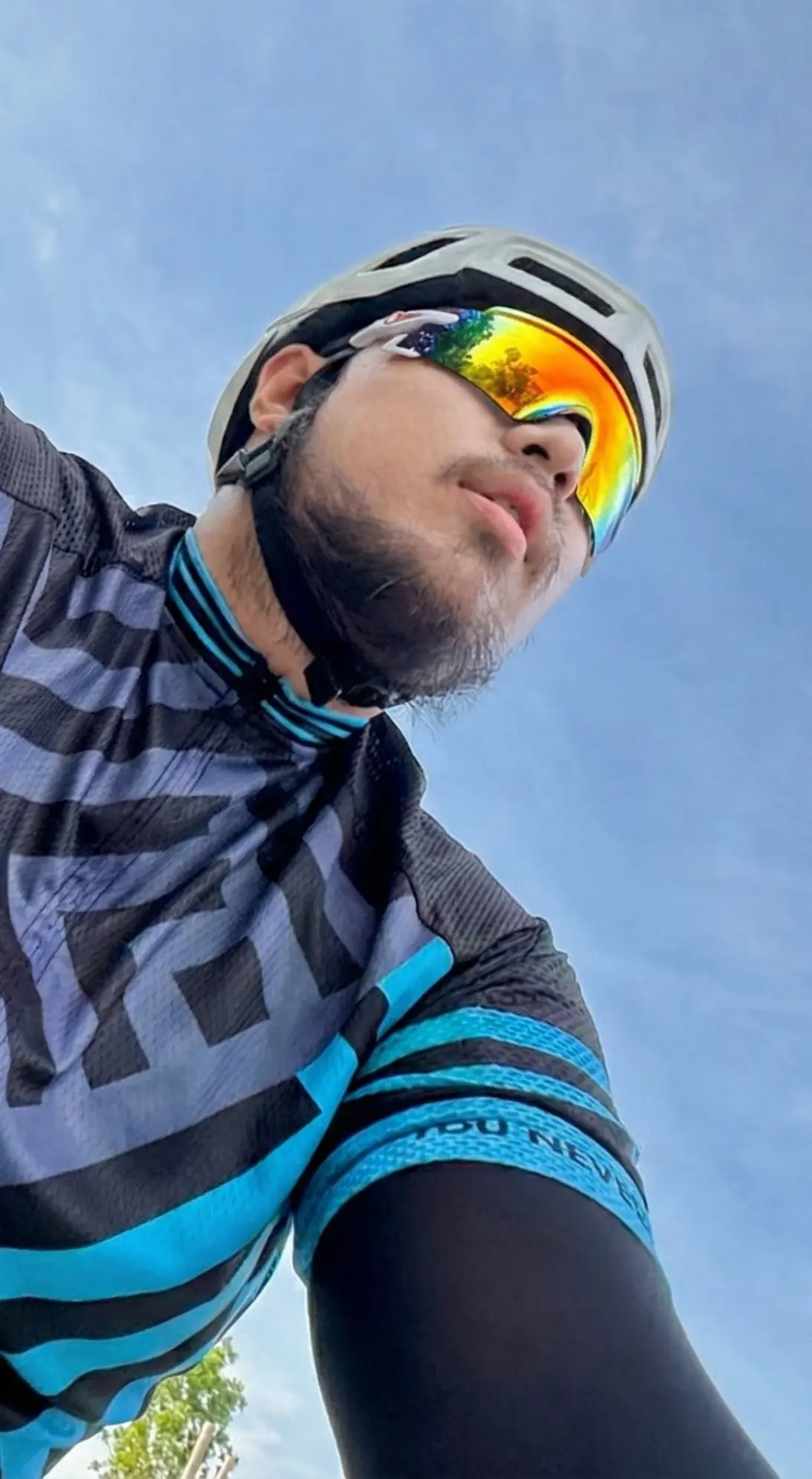
Away from the desk, I’m an endurance cyclist—the occasional 200 km ride still seems like a good idea. Until it doesn’t. I also enjoy photography and color grading: another reason to stop and notice the light.

That same curiosity comes back to work: understand the day, then make it a little easier.

Kenn outdoors in a cycling helmet and mirrored sunglasses
Yes, I do actually ride.

08 / Contact

Let's talk.

Have a role, a workflow, or a day-to-day challenge in mind? Tell me what needs a little more order.

Let's talk ↗